CONTACT US
Table of Contents
- The Challenge of Managing 200-Camera Surveillance Systems
- Understanding Your Storage Demands at Scale
- How We Calculate NVR Server Requirements for Enterprise Deployments
- Bandwidth Considerations in Multi-Camera Environments
- Redundancy and Failover Architecture We Build Into Your System
- Storage Technology Selection for Long-Term Retention
- Network Infrastructure Requirements We Design and Install
- Future-Proofing Your Surveillance Investment
- Our Integrated Approach to Complete System Deployment
- Frequently Asked Questions (FAQ)
The Challenge of Managing 200-Camera Surveillance Systems
Deploying 200 security cameras across a large facility creates complexity that extends far beyond camera placement. When you’re running a hospitality property, warehouse, or manufacturing operation in Southern California, your surveillance system must capture critical footage while remaining operationally transparent to your team. The infrastructure decisions you make at the beginning directly impact your ability to investigate incidents, comply with retention policies, and scale without disruption.
At this scale, you’re no longer thinking about individual camera performance. Instead, you’re managing a distributed network that generates terabytes of data daily. Every decision about compression, frame rate, resolution, and storage architecture compounds across 200 devices. A miscalculation in server sizing or bandwidth provisioning doesn’t just affect one camera, it cascades through your entire system, potentially creating blind spots or forcing you to reduce recording quality enterprise-wide.
We’ve guided hotel chains, distribution centers, and manufacturing facilities through this complexity. The organizations that plan correctly experience seamless operations and reliable footage when needed. Those that rush into deployment often face costly retrofits, storage bottlenecks, or system failures that compromise security.
Actionable takeaway: Before selecting equipment, document your facility’s specific compliance requirements, incident response procedures, and operational constraints. These factors drive every subsequent sizing decision.
Understanding Your Storage Demands at Scale
Storage requirements scale non-linearly with camera count. Two hundred cameras recording at 4MP resolution don’t simply cost twice as much as one hundred cameras, the numbers compound based on your retention policy, frame rate, and compression settings.
Start with these calculation factors:
- Resolution and bitrate per camera (4MP typically requires 4-8 Mbps; 1080p requires 2-4 Mbps)
- Frame rate (30 fps standard; 15 fps reduces storage by 50%)
- Retention period (30 days, 60 days, or longer depending on your audit requirements)
- Codec selection (H.265 reduces data size by 40-50% compared to H.264)
A practical example: 200 cameras at 4MP, 30 fps, H.265 codec, with 30-day retention generates approximately 4-5 petabytes of data annually. If you increase retention to 60 days, you’re provisioning for 8-10 petabytes. That’s why codec selection becomes critical, moving from H.264 to H.265 can reduce your storage footprint by nearly half.
Hospitality properties like those in the Marriott or Hilton portfolios typically require 60-90 day retention for incident investigation and compliance. Manufacturing and distribution facilities often run 45-60 days. Your specific retention window drives whether you invest in additional storage tiers or implement intelligent tiering strategies.
Calculate your baseline need, then add 20-30% overhead for system redundancy and failover capacity. This buffer prevents you from operating at maximum capacity, which degrades performance and creates risk.
Actionable takeaway: Use a storage calculator spreadsheet with your actual camera specifications, retention policy, and codec choice to get a precise baseline before provisioning hardware.
How We Calculate NVR Server Requirements for Enterprise Deployments
NVR server sizing goes beyond raw storage capacity. The server itself must handle ingest from 200 simultaneous camera streams, manage database operations, support multi-user access, and run analytics or alarm processing without bottlenecking your network.
Our sizing methodology considers four core dimensions:

- CPU cores and processing power needed for simultaneous stream handling
- RAM allocation for caching, indexing, and real-time operations
- Network interface cards (typically redundant 10 GbE connections at this scale)
- Storage controller capacity and throughput specifications
For a 200-camera deployment, you’re typically looking at a server with 16-24 CPU cores, 64-128 GB of RAM, and dual 10 GbE network connections. This isn’t a standard off-the-shelf box, it’s a purpose-built or extensively configured platform designed to ingest, process, and serve video data continuously.
When we design NVR architecture for major hotel chains or large distribution centers, we often implement a two-server configuration: one active NVR handling live recording and ingest, with a second server standing by for failover. This redundancy ensures that a single server failure doesn’t eliminate your surveillance capability.
The database backend becomes equally critical. At 200 cameras, your metadata grows substantially, search indices, event logs, and alarm triggers require robust indexing. We configure database servers with SSD-backed storage and optimized query performance to ensure that when you need to search 60 days of footage, retrieval time remains under seconds, not minutes.
Actionable takeaway: Request performance benchmarks from your NVR vendor that specify how many simultaneous streams their server configuration supports, plus realistic database query times for your retention period.
Bandwidth Considerations in Multi-Camera Environments
Network bandwidth is often the limiting factor that nobody fully considers until the system goes live. 200 cameras streaming simultaneously consume enormous pipeline capacity, and bandwidth constraints directly reduce frame rates or force compression compromises.
Start with aggregate bitrate calculation. If you have 200 cameras at 5 Mbps each, your baseline stream requires 1 Gbps of network capacity. But that’s only the beginning. Add 20-30% for redundancy traffic, failover, and simultaneous backup operations. Now you need 1.2-1.3 Gbps of sustained network availability just for surveillance.
This reality forces a hard architectural decision: you need dedicated network infrastructure separate from your business operations. Many facilities mistakenly assume their existing network can absorb surveillance traffic. It can’t, at least not without degrading voice, email, and transactional systems that your business depends on.
We design structured cabling systems that isolate surveillance onto dedicated network paths. This typically means separate cabling runs, dedicated switches, and isolated VLAN configurations. For facilities like major hotel properties or manufacturing plants, this infrastructure separation prevents a single network failure or congestion event from compromising either surveillance or business operations.
When video needs to flow across multiple buildings or across WAN links, you’re introducing compression choices and latency considerations. Some facilities require real-time live viewing from a central command center, which demands significantly more bandwidth than backup-only scenarios. Define your specific requirements early, they drive substantial infrastructure investment.
Actionable takeaway: Conduct a network audit to measure your available dedicated bandwidth for surveillance, then verify that it meets your aggregate camera bitrate plus 30% headroom before proceeding.
Redundancy and Failover Architecture We Build Into Your System
Enterprise surveillance systems must operate without manual intervention. We design redundancy at multiple layers to ensure continuous operation even during hardware or network failures.
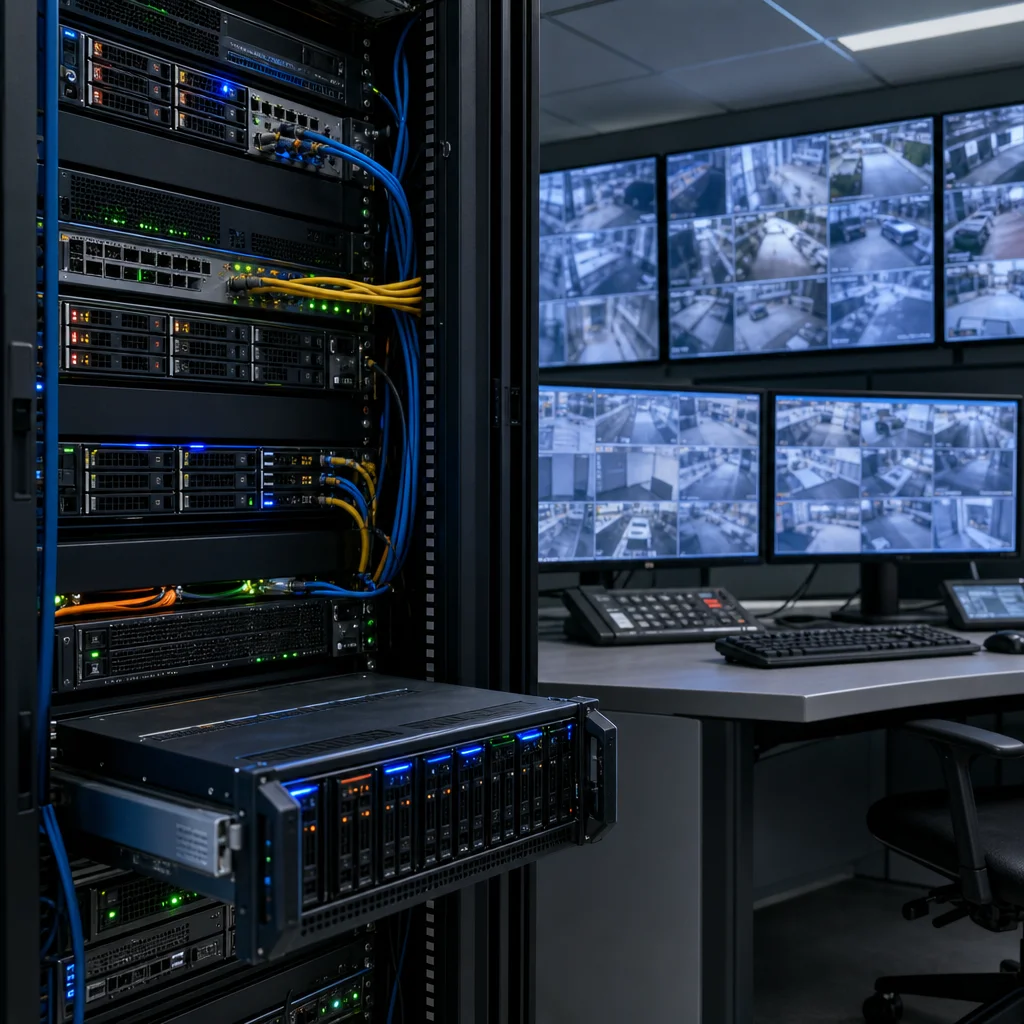
Storage redundancy comes first. We implement RAID configurations (typically RAID 6 or RAID 10) to protect against disk failures. At the scale of 200 cameras with petabyte-level storage, disk failures aren’t rare events, they’re statistical certainties. RAID protects you from losing months of footage to a single drive failure.
Server redundancy follows similar principles. We configure active-passive NVR pairs where the secondary server continuously receives a copy of incoming video streams. If the primary server fails, the secondary takes over recording within seconds. This architecture requires dual network paths, synchronized storage, and automated failover triggering.
Network redundancy means dual Internet connections, dual switches, and redundant fiber paths where possible. We design these so that no single point of failure, whether a network cable, a switch, or an Internet service provider outage, compromises your surveillance system.
For properties that operate 24/7, like major hotel chains or distribution centers, this redundancy isn’t optional. A 4-hour surveillance outage could mean lost footage during the exact incident you need to investigate. The cost of redundant infrastructure is negligible compared to the cost of a significant incident with no recorded evidence.
Actionable takeaway: Document your maximum acceptable downtime for surveillance. If it’s under 4 hours, active-passive server redundancy is non-negotiable for a 200-camera system.
Storage Technology Selection for Long-Term Retention
Not all storage is equal for continuous surveillance workloads. Surveillance-grade hard drives differ fundamentally from consumer or even standard enterprise drives.
Surveillance hard drives use optimized firmware that prioritizes continuous streaming performance over random access speed. They’re designed to handle 24/7 write operations with workload patterns that differ sharply from traditional server environments. Consumer drives fail quickly under this load; surveillance-specific drives maintain reliability across 5-7 year lifespans.
Capacity selection for a 200-camera system typically ranges from 8TB to 18TB per drive, depending on your retention policy and available space. Larger capacity drives reduce the number of devices you manage, but they also increase the amount of data at risk if a drive fails, which is why RAID redundancy becomes even more critical with 18TB drives than with 8TB devices.
Solid-state storage (SSD) plays a growing role in modern deployments. We use SSDs as caching layers for frequently accessed footage and as primary storage for mission-critical zones where instant retrieval is non-negotiable. Spinning disk remains cost-effective for bulk long-term archival, but hybrid approaches let you optimize cost and performance.
Archive strategy matters significantly for compliance-heavy environments. Hospitality properties under corporate audit often need to retrieve specific footage years after recording. We implement tiered storage where recent data lives on fast NVR-attached storage, older data moves to archive-grade systems, and the oldest footage eventually migrates to offline backup for final retention periods.
Actionable takeaway: Specify surveillance-grade drives explicitly in your procurement process and verify MTBF (Mean Time Between Failure) ratings exceed 1 million hours for your climate and duty cycle.
Network Infrastructure Requirements We Design and Install
The network infrastructure supporting 200 cameras requires careful design that accounts for current density, future growth, and operational redundancy.
Starting with cabling, we specify Cat6A or fiber runs dedicated exclusively to surveillance traffic. Category 5e and standard Cat6 often create bottlenecks when running multiple cameras across distance. Power over Ethernet (PoE) adds another layer, determining whether your switches can deliver sufficient power to 200 cameras while maintaining performance standards.
Switch architecture becomes specialized at this scale. Standard office switches lack the throughput and reliability features needed for continuous surveillance. We design using industrial-grade or carrier-class switches with redundant power supplies, extensive buffer memory, and management features that prioritize surveillance traffic through Quality of Service (QoS) policies.
Edge switch placement near camera clusters ensures you’re not running 200 camera streams back to a central switch location. Distributed switching reduces bottlenecks and allows local processing or failover capability. For a 200-camera warehouse or hotel property spanning multiple floors or buildings, this architecture matters substantially.
Network segmentation isolates surveillance onto dedicated VLANs, preventing surveillance traffic from competing with business systems. This separation also improves security, compromised business systems can’t directly access surveillance infrastructure, and surveillance systems can’t accidentally introduce vulnerabilities into critical business networks.
Actionable takeaway: Map your facility’s physical layout and camera locations, then work with a network engineer to design edge switch placement that minimizes cable runs and maximizes redundancy.
Future-Proofing Your Surveillance Investment
When you’re investing in infrastructure for 200 cameras, you’re committing resources for 5-10 years of operation. Building in growth capacity and technology flexibility prevents costly system replacement before end-of-life.
Design your NVR storage with 30-40% spare capacity even if you’re not planning immediate expansion. This buffer allows you to upgrade cameras to higher resolutions, increase retention periods, or add analytics processing without forcing expensive storage augmentation within two years.
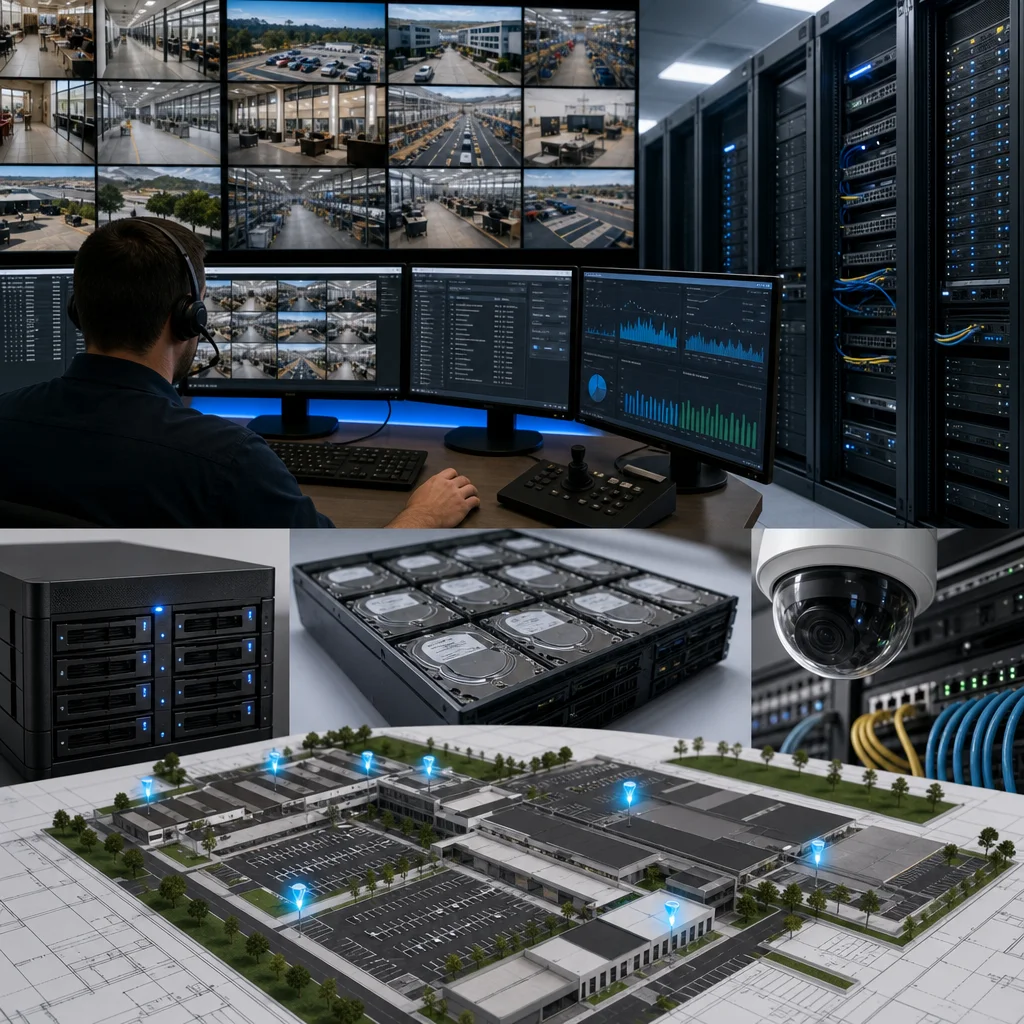
Server architecture should support capacity scaling, whether that means additional NVR servers, cloud integration, or cloud-based surveillance systems for supplementary storage. Lock yourself into single-vendor platforms with no upgrade path and you’ve created technical debt.
Camera standardization across your facility ensures that when you replace aging devices, you can maintain consistent compression, frame rate, and resolution standards. Mixed camera deployments from five different manufacturers create configuration nightmares and spike complexity unnecessarily.
Consider your compression codec strategy carefully. H.265 offers substantial storage savings, but older video management software may not support it. We typically recommend H.264 for current deployments with a documented roadmap to transition H.265 as systems refresh.
Actionable takeaway: Select server hardware and NVR software that support future camera types and resolution increases, then document your technology refresh roadmap for the next 3-5 years.
Our Integrated Approach to Complete System Deployment
At Terapixels Systems, we don’t simply sell NVR equipment or recommend storage configurations. We engineer complete surveillance ecosystems that integrate with your access control systems, physical infrastructure, and IT operations.
When we design a 200-camera deployment for a hospitality client or manufacturing facility, we start with your specific compliance requirements, incident response procedures, and operational constraints. A Marriott property has different needs than a distribution center, which differs from a semiconductor manufacturing floor. Cookie-cutter approaches miss critical details that affect real-world performance.
We handle the full lifecycle: sizing calculations, infrastructure design, cabling installation, NVR configuration, integration with your existing IT environment, and ongoing management. This integrated approach means you’re not coordinating between a cabling vendor, a camera vendor, a software company, and an IT services provider. You have one partner accountable for end-to-end performance.
Our team in Southern California has deployed large-scale systems across the region’s major facilities. We understand local network conditions, power infrastructure constraints, and compliance expectations. That experience translates directly into systems that operate reliably from day one.
Your next step: Schedule a technical consultation with our team to discuss your specific facility requirements. We’ll assess your current infrastructure, define NVR sizing specifications, and outline the network and storage architecture needed for your deployment. Contact Terapixels Systems to begin the conversation about consolidating your surveillance infrastructure into one reliable, scalable system.
For further reading: Structured Cabling.
Frequently Asked Questions (FAQ)
How do we determine the right NVR storage size for a 200-camera deployment?
We calculate your storage requirements by evaluating your camera resolution, frame rate, retention period, and compression settings specific to your facility. For a typical 200-camera system with mixed 4MP and 8MP cameras retained for 30 days, we generally recommend 100-200TB of primary storage depending on your motion detection usage. We then add redundant storage arrays to ensure your system maintains continuous recording even during hardware failures or maintenance windows.
What bandwidth does our network need to support a large-scale camera system?
We design your network infrastructure to handle the aggregate bandwidth of all cameras, which typically ranges from 500Mbps to 2Gbps for 200-camera deployments at standard recording settings. We separate your surveillance traffic onto dedicated network segments with managed switches and quality-of-service protocols so your security cameras don’t compete with your business operations. Our team conducts a site survey to assess your existing cabling and recommends structured cabling upgrades if needed to support this traffic reliably.
How do we future-proof a surveillance investment against technology changes?
We build flexibility into our NVR configurations by using scalable storage architecture and network-agnostic recording systems that can adapt to higher resolution cameras or additional sites as your business grows. We also maintain documentation of your system specifications and regularly advise you on emerging standards like advanced compression codecs that can extend your storage lifespan. Our managed services include monitoring your system health and alerting you when upgrades become cost-effective for your operation.