
Microsoft
Identity, collaboration, cloud services and security aligned with the network.
Product families
Explore Microsoft capabilities ↗- Microsoft 365
- Azure
- Entra ID
- Defender
 Request an estimate
Scheduled and responsive onsite IT support for networks, endpoints, equipment rooms, deployments and vendor coordination.
These product families illustrate available design paths. Terapixels selects equipment to match the site, support model and current manufacturer specifications; a logo does not by itself represent a manufacturer endorsement or a product recommendation.
Identity, collaboration, cloud services and security aligned with the network.

Workload-sized server and storage systems with lifecycle and recovery planning.

Core, access, wireless and WAN designs with defined operational ownership.

One dashboard for branch connectivity, switching, wireless and policy management.

Campus switching, WLAN operations and access policy for varied device populations.
Product names and availability can change. Final models, licenses, compatibility and support terms are verified for each project. Logos identify their respective trademark owners. Most logo files are sourced from Wikimedia Commons; the current RUCKUS logo is from RUCKUS Networks. Palo Alto Networks logo by Palo Alto Networks, vectorized by Vulphere, is shared under CC BY 4.0.
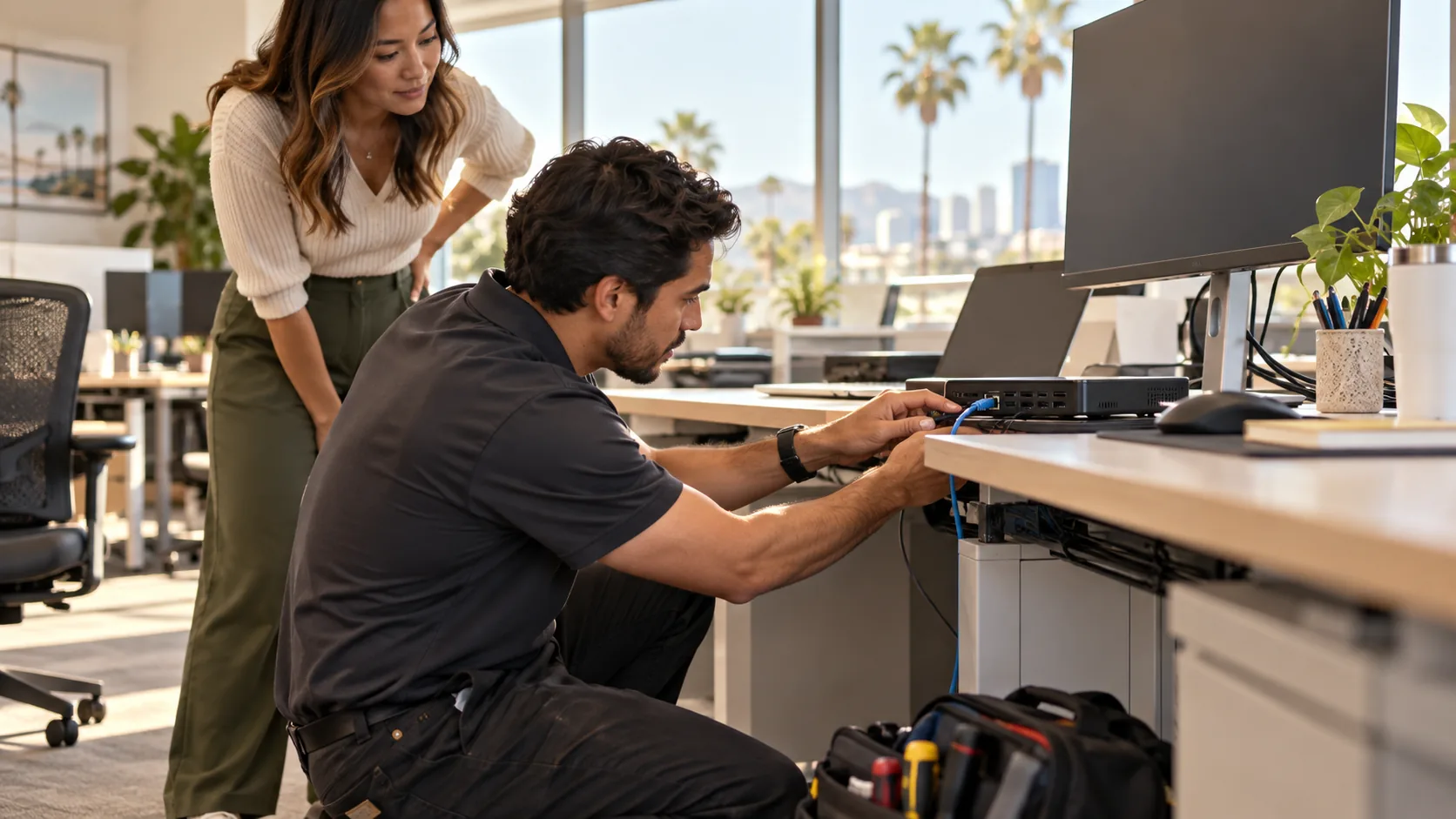
Onsite support connects remote diagnosis to the physical environment. The technician should arrive with the issue history, access plan, likely dependencies, change authority and a clear definition of completion.
Hands-on validation of endpoints, networks, cabling, peripherals and infrastructure.
Workstations, network connections, devices and approved office technology changes.
Staging, installation, cutover, validation and user handoff.
Work with carriers, software providers, equipment manufacturers and building teams.
Parking, escort, loading, keys, badging, working hours and restricted areas affect response.
Replacement equipment and approval limits should be established before avoidable delays.
Logs, ticket history and likely causes improve first-visit effectiveness.
Physical service depends on access to the building, equipment, parts and the authority to make changes. Remote diagnosis should prepare the technician before arrival.
Arrange escort, work hours, room access and a person who can approve changes.
Share rack maps, device records, carrier and vendor contacts, maintenance windows and outage constraints.
Record tests, replaced parts, configuration changes, unresolved work and the next owner.
What to request: Ask for a visit scope, access plan, work record and clear handoff.
The installation is only complete when the customer can identify what was installed, where it connects, how it was tested, what remains open and who owns the next action.
Document the site, current systems, users, risks, dependencies and constraints.
Define architecture, products, responsibilities, testing, budget and implementation.
Coordinate installation, configuration, migration, commissioning and training.
Preserve system knowledge, resolve issues and plan the lifecycle.
Local commercial service with office support in Irvine and San Diego.
Response depends on the service agreement, urgency, location, technician availability, access and required expertise.
Project and time-and-material service may be available based on scope and scheduling. Recurring coverage is best defined in a service agreement.
Provide access, a knowledgeable contact, affected device information, error details, credentials through approved channels and any change or outage restrictions.
Terapixels will help define a practical scope before products are selected.
Request a consultation ↗